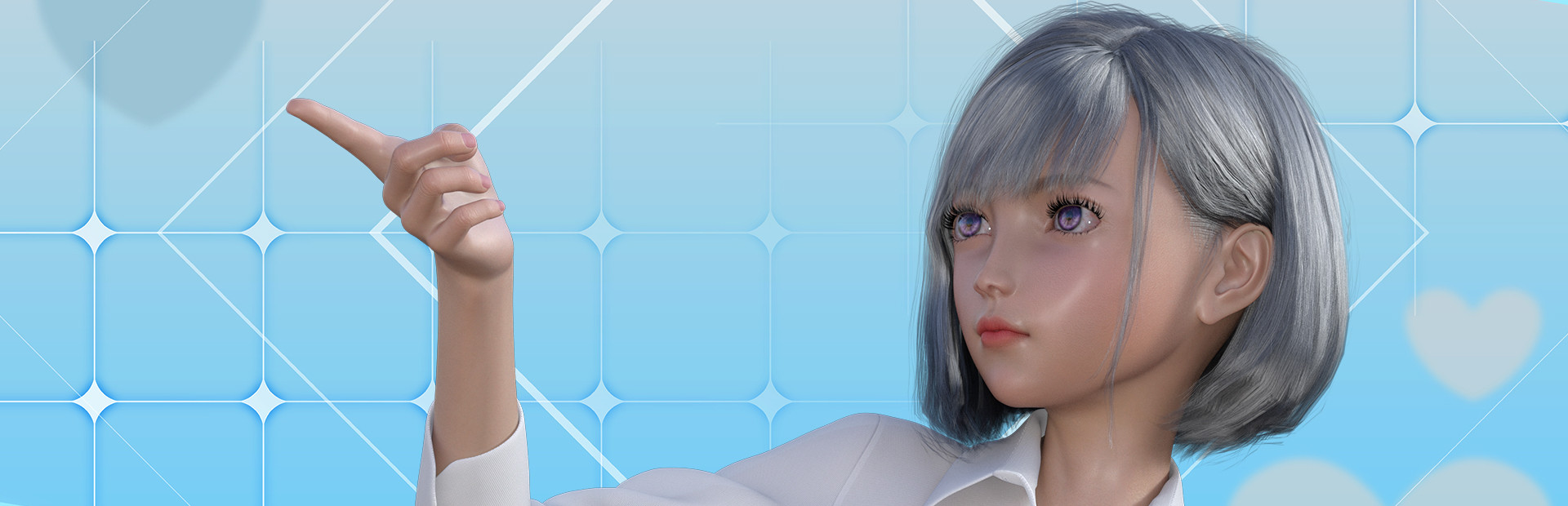
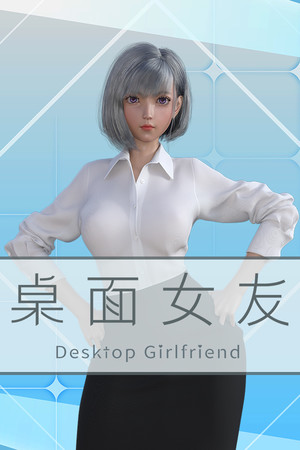
Desktop Girlfriend
Desktop Girlfriend is a desktop interactive girlfriend game that allows users to interact with their virtual girlfriend in various ways, such as interactive games, customizing her hairstyle, hair color, and more.
By DigitalDream
Mixed: 69% of 617 user reviews are positive
- Windows
At a glance
- Playing now
- Unknown
- Lowest price
- $1.99
- Never discounted
- Positive reviews
- 69%
- 617 reviews
- Released
- 24 Aug 2022
- Last patch
- 14 Sep 2022
- Patch notes on Steam
- Achievements
- 71
Steam hasn't returned a player count for Desktop Girlfriend. Its players may be counted under a separate launcher, or Steam hasn't counted them yet.
Trailers and screenshots
1 / 7
About this game
Desktop Girlfriend is a desktop interactive girlfriend game that allows users to interact with their virtual girlfriend in various ways, such as interactive games, customizing her hairstyle, hair color, and more. Desktop Girlfriend is a faithful girlfriend who loves the user, she will always be with the user, so that the user does not feel alone. In addition, the game plans to support steam workshop, which allows users to make and upload their own kind of girlfriend and all kinds of animations, making the game even richer!
Features.
-Custom hair and hair color
-Customize nail color
-Custom scene lighting colors
--6 different endings of the plot play
-2 mini-games
-Characters and clothes with physics effects
-Realistic eye system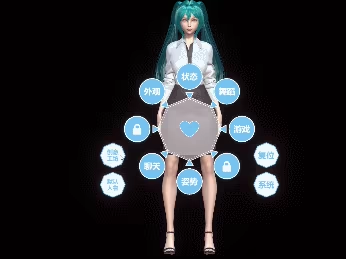
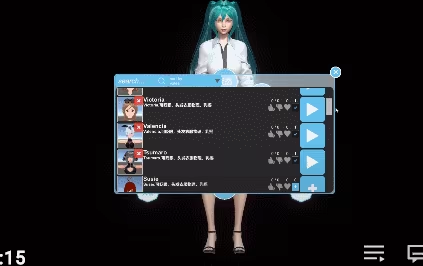
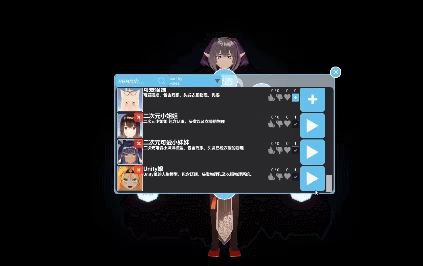
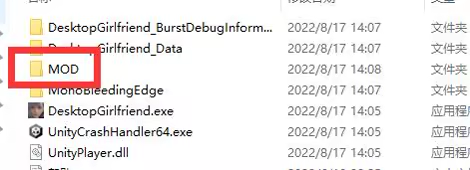 As shown in the picture above, all the mod's teaching content and tools are contained in this folder, please read it carefully.
Win7
Click the system icon at the bottom left corner of the desktop - Control Panel - System and Security - System - Advanced System Settings - Advanced - Performance - Settings, check \[Aero] and \[Clear Glass], then click \[Adjust to Best Appearance], after that click \[OK]
Win10
Open \[DVIDIA Control Panel] - \[Manage 3D Settings], find \[Multi-Frame Sampling AA (MFAA)] and \[Smooth Processing - FXAA] and change these two options to \[Off]
If the above method still does not solve the problem, please try the following general method
1. Restart the computer
2. Desktop right mouse button - personalization - color - turn on the transparency effect
3. Go to the official website of the graphics card to download the latest graphics card driver, the installation process select "custom installation" > check the "clean install" , you can not use the default override upgrade installation
Features.
-Custom hair and hair color
-Customize nail color
-Custom scene lighting colors
--6 different endings of the plot play
-2 mini-games
-Characters and clothes with physics effects
-Realistic eye system
【Steam Workshop】
\[Mod Teaching]
Open the steam client, enter the game library, right-click the game icon -> Manage -> browse local files. Open the game installation directory.As shown in the picture above, all the mod's teaching content and tools are contained in this folder, please read it carefully.【What should I do if I can't play the game? ]
Can not run the game normally, has been stuck in the loading interface, the character background becomes black and can not see the desktop solutionWin7
Click the system icon at the bottom left corner of the desktop - Control Panel - System and Security - System - Advanced System Settings - Advanced - Performance - Settings, check \[Aero] and \[Clear Glass], then click \[Adjust to Best Appearance], after that click \[OK]
Win10
Open \[DVIDIA Control Panel] - \[Manage 3D Settings], find \[Multi-Frame Sampling AA (MFAA)] and \[Smooth Processing - FXAA] and change these two options to \[Off]
If the above method still does not solve the problem, please try the following general method
1. Restart the computer
2. Desktop right mouse button - personalization - color - turn on the transparency effect
3. Go to the official website of the graphics card to download the latest graphics card driver, the installation process select "custom installation" > check the "clean install" , you can not use the default override upgrade installation
Details
| App ID | 2055220 |
|---|---|
| Type | Game |
| Release date | 24 Aug 2022 |
| Developer | DigitalDream |
| Publisher | DigitalDream |
| Platforms |
|
| Languages | 3 languages |
| Achievements | 71 |
| Website | digitaldreamgames.net (opens in a new tab) |
Community tags
Ranked by player votes
- Sexual Content1.5K votes
- Nudity1.4K votes
- Hentai1.3K votes
- Character Customization863 votes
- Dating Sim799 votes
- Utilities788 votes
- Singleplayer714 votes
- Anime692 votes
- Simulation618 votes
- Indie597 votes
- Casual554 votes
- FPS95 votes
News and updates
History
Players
Achievements
Prices and charts
Price in each region
| Region | Price | Discount | Lowest | Sale ends |
|---|---|---|---|---|
| South Africa | R 30,00 | - | - | |
| United States Your region | $1.99 | - | - | |
| United Kingdom | £1.69 | - | - |