
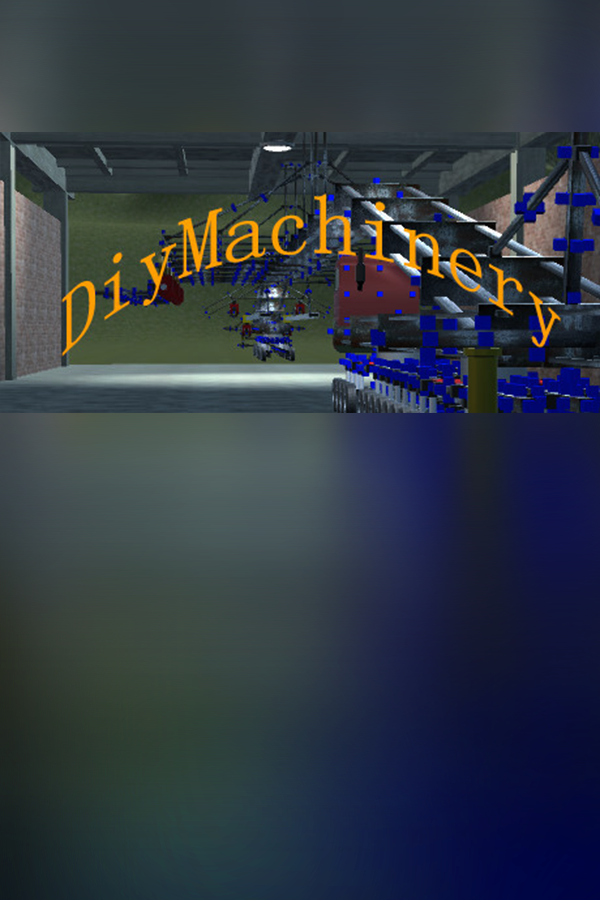
DiyMachinery (自定义机械)
DiyMachinery is Physics game.Build complex and interesting machines to accomplish tasks. If you like research, don't miss it.
By me
2 user reviews: 50% of 2 user reviews are positive
- Windows
At a glance
- Playing now
- Unknown
- Lowest price
- $0.99
- Never discounted
- Positive reviews
- 50%
- 2 reviews
- Released
- 16 May 2018
- Achievements
- 10
- Languages
- 2
- Supported
Steam hasn't returned a player count for DiyMachinery (自定义机械). Its players may be counted under a separate launcher, or Steam hasn't counted them yet.
Trailers and screenshots
1 / 8
About this game
DiyMachinery It's a physical game, 22 basic parts build machines complete over, over, hanging, climbing, bridging... Such as obstacles. There is no hierarchy, so long as your computer is good, you can build big, interesting machines. This game requires a lot of logical thinking, observation, manipulation, and spatial imagination. If you like research and thinking, don't miss it.
This game is a skill and requires a high IQ to play.
The Z key removes the selected component.
Ctrl+c copies the selected components, then selects the blue box Ctrl+v to paste.
Click a blue square, click on the other block, and then press the X key to weld two blue squares. If the steering wheel is welded, the component will disconnect (also press the lower right corner of the game button).
Method 2: click the controller button in the upper right corner, enter the controller interface, drag the icon to organize the operation group, then select the line to operate, and then press the K1 K2 big button in the lower right corner to control the selected line. (this method does not conflict with the first method, that is to say, you set the first method will not affect the second method, and vice versa).
This game can exercise your brain, saying it is easy and easy to say, it's complicated to say that the component is also the two or three methods of operation, see what you build and match. If you can completely pass it, you are more cattle than my author, and the technology that finally needs the bridge is different from the technology of the high iron bridge. You can be an engineer, too.
This game is a skill and requires a high IQ to play.
builds basic operations:
Click the blue box, click on the component interface you want to build components, click on the components, press Q, W, E, A, S, D and other keyboard keys to rotate.The Z key removes the selected component.
Ctrl+c copies the selected components, then selects the blue box Ctrl+v to paste.
Click a blue square, click on the other block, and then press the X key to weld two blue squares. If the steering wheel is welded, the component will disconnect (also press the lower right corner of the game button).
adds an operating group:
Method 1: hold the Ctrl key for multiple selection, then click Add group button, the lower left corner of the game interface will appear, the K1 and K2 buttons in the list are the function of the control component, such as the hydraulic top bar: press the K1 top, then stop by K1, the K2, and then stop by a K2, basically all the operable components are this Class operation.Method 2: click the controller button in the upper right corner, enter the controller interface, drag the icon to organize the operation group, then select the line to operate, and then press the K1 K2 big button in the lower right corner to control the selected line. (this method does not conflict with the first method, that is to say, you set the first method will not affect the second method, and vice versa).
wheel:
The system automatically opens the turning functions of the front wheels. You can also click the wheel to open the wheel control interface to control the turn, turn, and turn off the power.car head:
You can control the suspension force of the wheel and the number of turning wheels by clicking the front end and opening the control interface.slide
The slide is the long one. When you build it, you can adjust the length by clicking the slide rail.summary:
This game can exercise your brain, saying it is easy and easy to say, it's complicated to say that the component is also the two or three methods of operation, see what you build and match. If you can completely pass it, you are more cattle than my author, and the technology that finally needs the bridge is different from the technology of the high iron bridge. You can be an engineer, too.
Details
| App ID | 845510 |
|---|---|
| Type | Game |
| Release date | 16 May 2018 |
| Developer | me |
| Publisher | me |
| Platforms |
|
| Languages | 2 languages |
| Achievements | 10 |
Game modes
- Single player
Community tags
Ranked by player votes
- Strategy2.6K votes
- Indie2.6K votes
- Simulation2.6K votes
- Adventure2.3K votes
News and updates
History
Players
Achievements
Prices and charts
Price in each region
| Region | Price | Discount | Lowest | Sale ends |
|---|---|---|---|---|
| South Africa | R 10,00 | - | - | |
| United States Your region | $0.99 | - | - | |
| United Kingdom | £0.79 | - | - |