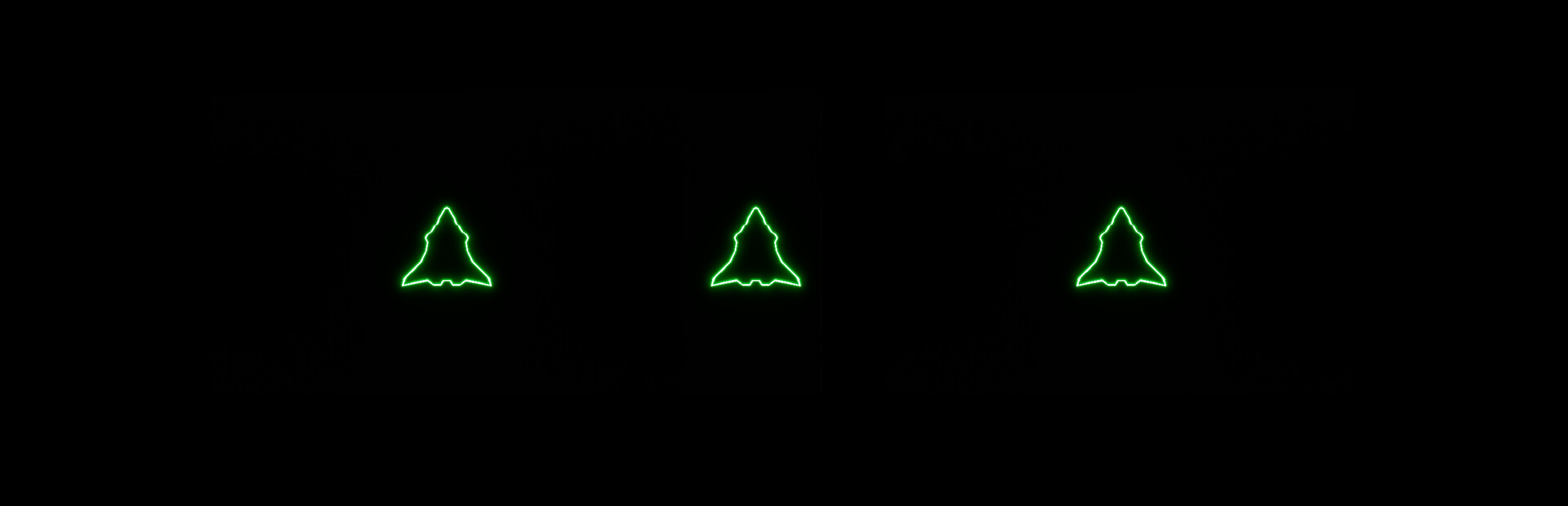

Neon Nova
Dive into the adrenaline-fueled world of Neon Nova, a cutting-edge Neon Arena Ship Shooter! Experience intense arena battles, unlock customizable ships with vibrant neon skins, and dominate diverse game modes. Are you ready to be the master of the neon universe? Jump in now!
Positive: 100% of 11 user reviews are positiveDeck Playable: Functional on Steam Deck, but may need extra effort to interact with or configure
- Windows
- Linux and SteamOS
At a glance
- Playing now
- Unknown
- Positive reviews
- 100%
- 11 reviews
- Released
- 7 Feb 2024
- Last patch
- 18 Feb 2024
- Patch notes on Steam
- Achievements
- 30
- Languages
- 1
- Supported
Steam hasn't returned a player count for Neon Nova. Its players may be counted under a separate launcher, or Steam hasn't counted them yet.
Trailers and screenshots
1 / 6
About this game
Immerse yourself in a futuristic world brimming with vibrant energy and intense arena battles with our groundbreaking Arena Ship Shooter. Neon Nova seamlessly blends fast-paced action, stunning neon aesthetics, and thrilling game modes for an unforgettable gaming experience.
Prepare to dive into the future of the Arena Ship Shooter with Neon Nova. Unlock skins, become the master of the arena, and dominate the neon universe!
Neon-Styled Atmosphere
Experience the thrill of a neon-drenched universe where vibrant colors and dynamic lighting effects bring the gameplay to life.Diverse Game Modes
Engage in different game modes, whether it's classic Deathmatch, Checkpoint-Race or challenging Survival modes. Each mode offers a unique gameplay experience, upgrade your ship with Power Up's and ensuring hours of gaming excitement.Customizable Spaceships
Tailor your ship to your personal style. Unlock new skins and colors to stand out in the arena and dominate your opponents in intergalactic combat.Intuitive Controls
Enjoy seamless and intuitive controls, allowing you to navigate effortlessly through the neon arena and execute precise maneuvers in the heat of battle.Challenging Enemies
Face a variety of challenging enemies, from skilled AI opponents to challenging arena fights. Each battle is unique, requiring tactical skill and quick reflexes.Prepare to dive into the future of the Arena Ship Shooter with Neon Nova. Unlock skins, become the master of the arena, and dominate the neon universe!
Steam Deck Setup
If the game doesn't start on the Steam Deck, you need to go to the Steam library, select the game, go to 'Settings > Properties > Compatibility,' enable the Compatibility tool, and choose "Steam Linux Runtime."Steam Deck Controller Setup
If you experience issues with the right stick while playing, go to the controller settings for the game on the Steam Deck (press the Steam button) and adjust the Death zone (slightly increase the left slider).Details
| App ID | 2790830 |
|---|---|
| Type | Game |
| Release date | 7 Feb 2024 |
| Developer | Arthuro Game Studios |
| Publisher | Arthuro Game Studios |
| Franchise | Neon, Arcade, Retro, Arena, Cyberpunk-universe, Space, Twin-Stick-Shooter |
| Platforms |
|
| Languages | 1 languages, 1 with full audio |
| Achievements | 30 |
Game modes
- Single player
Community tags
Ranked by player votes
- Arena Shooter766 votes
- Top-Down Shooter748 votes
- Twin Stick Shooter736 votes
- Beat 'em up702 votes
- PvE672 votes
- 2D Fighter651 votes
- Arcade626 votes
- Action-Adventure599 votes
- Character Customization569 votes
- 2D538 votes
- Top-Down505 votes
- Cyberpunk465 votes