
Patchwork Image
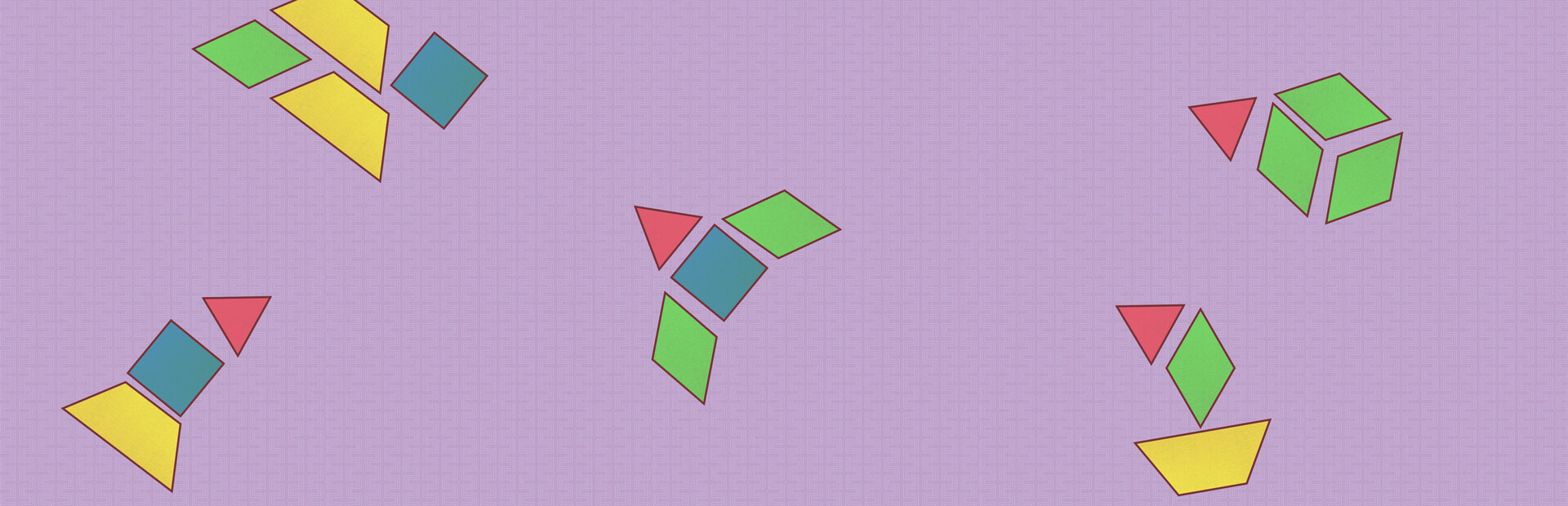
Patchwork Image - is a logical educational game that develops logic and imagination, where you have to collect patterns of different levels of complexity from geometric shapes of different shapes and sizes.
Published by Octogames
No user reviews: 0 user reviews
- Windows
At a glance
- Playing now
- Unknown
- Lowest price
- $0.99
- Never discounted
- Released
- 26 May 2021
- Last patch
- 6 Apr 2023
- Patch notes on Steam
- Languages
- 2
- Supported
Steam hasn't returned a player count for Patchwork Image. Its players may be counted under a launcher, or Steam hasn't counted them yet.
Trailers and screenshots
1 / 6
About this game
Patchwork Image - is a logical educational game that develops logic and imagination, where you have to collect patterns of different levels of complexity from geometric shapes of different shapes and sizes.
The game consists of 35 levels, from the simplest to the most difficult.
Each level displays the silhouette of the image and a set of shapes, you have to choose the right shape and specify the correct angle and position on the silhouette. As soon as all the pieces are put in their places, the level will be completed.
All control is done with the mouse.
First, click on the shape to select the desired shape, then move the shape to the desired location.
Second , if you want to change the angle of the selected shape, hold the left mouse button outside the shape and swipe around the shape. The shape will change the angle by rotating around its axis.
Third, drag the shape with the adjusted rotation angle to the desired position of the silhouette, if everything is done correctly, then the shape will stand in the right place. If the shape is already in the right place, then you need to click on it again to confirm the action.
Key features:
- The game develops your login and imagination
- Nice bright minimalistic graphics
- Various levels
- Meditative gameplay
- Suitable for any age group
- Fun to play with kids
Details
| App ID | 1619720 |
|---|---|
| Type | Game |
| Release date | 26 May 2021 |
| Developer | Dmitry Uvarov |
| Publisher | Octogames |
| Platforms |
|
| Languages | 2 languages |
Game modes
- Single player
Community tags
Ranked by player votes
- Casual1.7K votes
- Puzzle1.1K votes
- Design & Illustration936 votes
- Tabletop889 votes
- 2D843 votes
- Abstract679 votes
- Minimalist632 votes
- Colorful585 votes
- Family Friendly538 votes
- Logic491 votes
- Indie491 votes
- Relaxing444 votes
News and updates
History
Players
Prices and charts
Price in each region
| Region | Price | Discount | Lowest | Sale ends |
|---|---|---|---|---|
| South Africa | R 10,00 | - | - | |
| United States Your region | $0.99 | - | - | |
| Europe | 0,79 € | - | - | |
| United Kingdom | £0.79 | - | - |