
Table Top Turrets
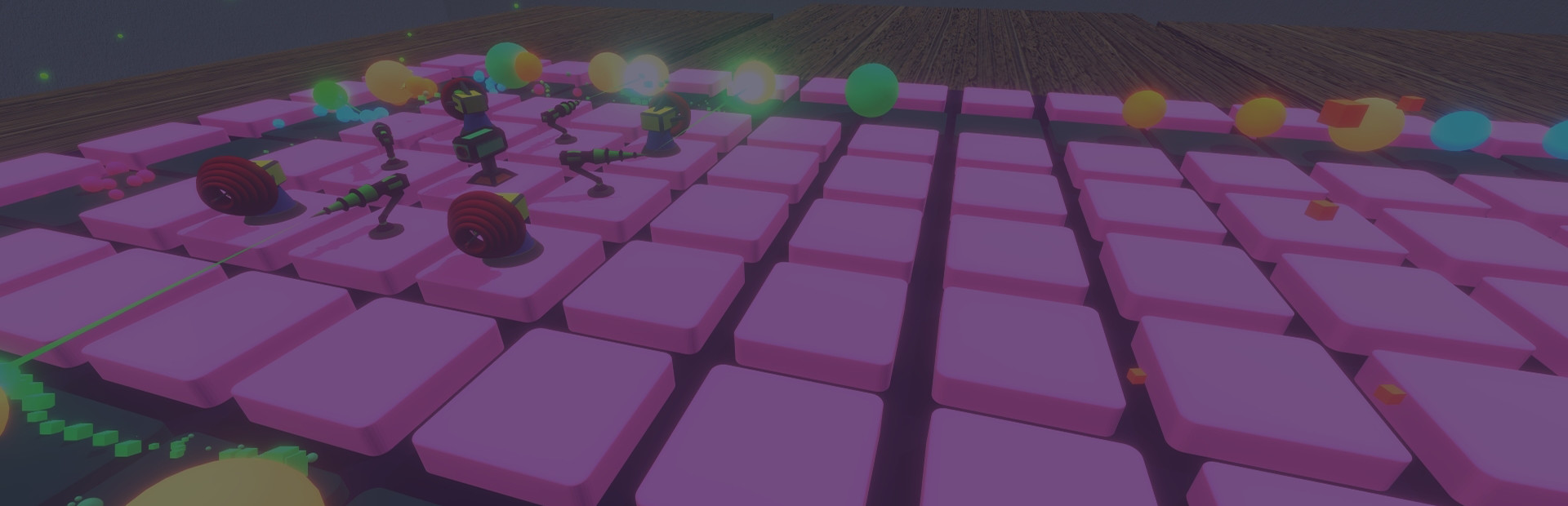
Table Top Turrets is a cartoon-style tower defence strategy game based on the imagination of a child playing a board game. Build, Upgrade, Protect!
By Ben Shattock
4 user reviews: 75% of 4 user reviews are positive
- Windows
At a glance
- Playing now
- Unknown
- Lowest price
- $4.99
- Never discounted
- Positive reviews
- 75%
- 4 reviews
- Released
- 16 Sep 2020
- Languages
- 1
- Supported
Steam hasn't returned a player count for Table Top Turrets. Its players may be counted under a separate launcher, or Steam hasn't counted them yet.
Trailers and screenshots
1 / 7
About this game
Table Top Turrets is a cartoon-style tower defence strategy game based on the imagination of a child playing a board game.
Before you start a level, you must choose your difficulty:
- Easy - 20 waves - Low Health Enemies
- Medium - 40 waves - Mid Health Enemies
- Hard - 60 waves - High Health Enemies
Once you have completed a level, the button for the difficulty you have completed will turn green. If all three difficulties have been completed on a particular level, the button for that level will also turn green.
Place turrets by choosing one from the shop menu and clicking on your desired position on the grid.
Select turrets by clicking on an already placed turret. After selection it will open the upgrade menu which is full of information, e.g. Damage. It will also show you the range of the turret on the course. You can now Upgrade, Sell or Deselect your selected turret.
Upgrade by clicking the "Upgrade" button. It will cost 30% of the initial cost multiplied by the level you are currently on.
Sell by clicking the "Sell" button. You will receive 50% of the money you spent buying and upgrading the turret.
Deselect by either clicking any empty space on the grid or selecting a different turret or building another turret.
There are currently 6 pieces of information on the Game Board:
- Your current money (Green)
- The price of the turret you are hovering over in the shop menu (Red)
- The current wave (Green)
- The wave countdown timer (Red)
- Your current health (Green)
- Your remaining shield (Red)
Green information will be there permanently. Red information will only show when necessary, e.g. when counting down for the next wave.
You can also zoom in and out with the scroll wheel and move your camera around with WASD. If you zoom out, no matter where your camera has moved to, it will go back to the centre so that you can see the whole board again.
Build, Upgrade, Protect!
Details
| App ID | 1386320 |
|---|---|
| Type | Game |
| Release date | 16 Sep 2020 |
| Developer | Ben Shattock |
| Publisher | Ben Shattock |
| Platforms |
|
| Languages | 1 languages |
Game modes
- Single player
Community tags
Ranked by player votes
- Strategy1.9K votes
- Building1.2K votes
- Tabletop1.1K votes
- Tower Defense1.1K votes
- 2.5D940 votes
- 3D769 votes
- Cartoony712 votes
- Top-Down655 votes
- Grid-Based Movement598 votes
- PvE541 votes
- Singleplayer484 votes
News and updates
History
Players
Prices and charts
Price in each region
| Region | Price | Discount | Lowest | Sale ends |
|---|---|---|---|---|
| South Africa | R 42,00 | - | - | |
| United States Your region | $4.99 | - | - | |
| Europe | 3,99 € | - | - | |
| United Kingdom | £3.99 | - | - |