

The Silent Witness
You’re a detective tracking a brutal murder. The forest holds the documents. The warehouse hides the body. Evidence in hand, you head back—but the forest has changed. The path is gone. Something’s watching. And it doesn’t want you to leave.
- Windows
At a glance
- Playing now
- Unknown
- Lowest price
- $2.99
- Never discounted
- Positive reviews
- 0%
- 2 reviews
- Released
- 7 Jul 2025
- Languages
- 14
- Supported
Steam hasn't returned a player count for The Silent Witness. Its players may be counted under a separate launcher, or Steam hasn't counted them yet.
Trailers and screenshots
1 / 6
About this game
Story
You arrive at the edge of the forest—the last known location of a set of bloodstained documents tied to a brutal murder. The air is thick with decay. The silence, oppressive.
Scattered pages lie on the ground, soaked in blood and dirt. Time is running out.
You press on toward the warehouse.
Inside, the victim’s body awaits—dismembered, each limb carefully positioned like a message from the killer. You gather the remains. It’s grisly work, but vital.
With the evidence in hand, you turn toward the forest. But the path out is no longer the same.
Someone—or something—is watching. And you must not scream.
How to Play
Step into the role of a detective investigating the murder of a notorious crime boss. Search a sprawling forest and a decrepit warehouse for scattered evidence—including the victim’s body parts. Once you’ve found everything, escape back to the station before it’s too late.
But be warned:
Your microphone is your enemy. Make a sound, and you might not survive.
Features
Microphone Detection
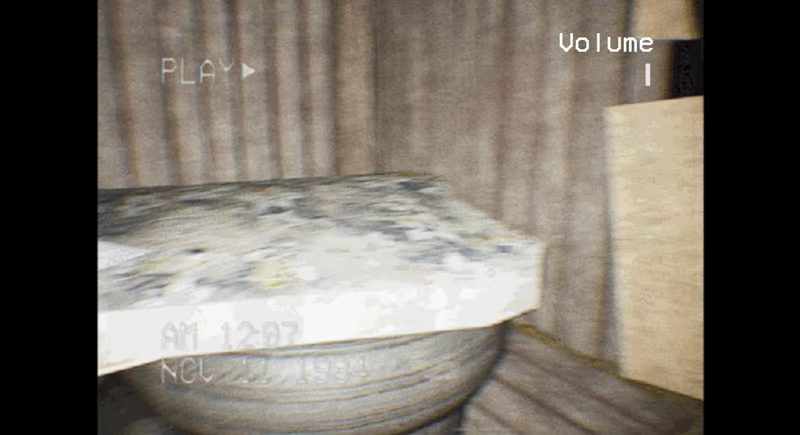
Speak or make noise, and the game reacts. Stay silent... or suffer the consequences.Found-Footage Visual Style
VHS-inspired horror with analog distortion and gritty aesthetics.Collect, Survive, Escape
Recover body parts, uncover clues, and escape before your time—or your silence—runs out.
Survive the horrors that layhead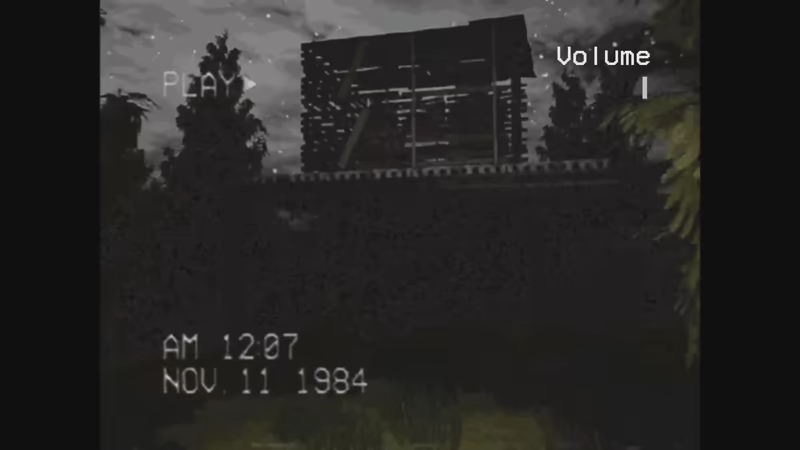 Gather evidence. Every piece matters.
* If you want to change your microphone input *
Windows 11
Open Settings Press Win + I to open Settings.
Go to Sound Settings Navigate to System > Sound. Select
Your Input Device Under the Input section, click the dropdown under Choose a device for speaking or recording.
Select your preferred microphone.
Test Your Mic Scroll down to Test your microphone and speak. If the bar moves, your mic is working.
Adjust Mic Settings (Optional) Click on the microphone, then adjust volume levels or enable enhancements if needed.
Windows 10
Open Sound Settings Right-click the Sound icon in the taskbar and select Open Sound settings. Choose Your Input Device Under the Input section, click the dropdown and select your preferred microphone. Test & Adjust Settings
Use the Test your microphone section to check input levels.
Click Device Properties for advanced settings.
Details
| App ID | 3720920 |
|---|---|
| Type | Game |
| Release date | 7 Jul 2025 |
| Developer | Abnormal Studios |
| Publisher | Abnormal Studios |
| Platforms |
|
| Languages | 14 languages |
Game modes
- Single player
Community tags
Ranked by player votes
- Exploration675 votes
- Collectathon645 votes
- Action-Adventure630 votes
- RPG611 votes
- First-Person591 votes
- 3D556 votes
- Horror551 votes
- Detective536 votes
- Psychological Horror531 votes
- Controller516 votes
- Action506 votes
- Thriller452 votes
News and updates
History
Players
Prices and charts
Price in each region
| Region | Price | Discount | Lowest | Sale ends |
|---|---|---|---|---|
| South Africa | R 32,00 | - | - | |
| United States Your region | $2.99 | - | - | |
| Europe | 2,99 € | - | - | |
| United Kingdom | £2.49 | - | - |